
Tone Field. An instrument for iPhone and iPad
You run a finger across the surface and Tone Field plays in the scale you chose. From there you record clips, build a song and play it live, with a beat, bass, guitar, voice and samples.
For iPhone and iPad · Currently in development
All of Tone Field in 35 chapters: play, tuning, sound, beat, clips, arrange, mix, audio, samples, live.
- 5instruments
- 31factory sounds
- 146scales and tunings
- 96 kHzif you like
01 · Play and sound
Pitch to the right, tone colour upwards.
From left to right the note rises in the scale you chose; from bottom to top it gets brighter. Each finger has a tone colour of its own, so two notes can sound different.
- Five instruments: ARP, PAD, BASS, GRAINS and CHAOS
- GRAINS plays your own recording as grains
- 31 factory sounds, every dial open
- Filter, envelopes, two LFOs, delay and reverb

02 · Scales and tunings
146 scales, equal or just.
Major, minor and the modes, jazz scales, Indian ragas, maqam and 76 historical temperaments, from meantone to Werckmeister III and Neidhardt. Just intonation is fixed to a root or adaptive, following the music so that every chord is pure; a microtonal scale plays on the surface like any other.
- 19 and 24 notes to the octave
- Open Scala files
- Build your own scales step by step
- Every step in cents and as a ratio

03 · Arrange and mix
From a clip to a song.
Four tracks, a beat and up to four audio tracks, in up to 512 scenes, in 4/4, 3/4, 5/4, 6/8 or a time signature of your own. You record on the bar, mix in the mixer and lay the scenes out as a song in Arrange.
- A beat by style and tempo, with your own clips too
- A note editor with pencil, eraser and marker
- Mixer with EQ, Balance and a clip stage
- The song as audio, as a file per track or as MIDI


04 · Bass, guitar and voice
Your instrument through the interface.
Up to four inputs of an audio interface become tracks. Recording starts on the bar; you play over your loops, and at a different tempo the pitch stays where it was. A loop keeps the sound it was recorded with.
- Bass and guitar plugged straight in, with amp and cabinet
- For the guitar a fuzz and a spring reverb
- For the voice a de-esser, presence and a doubler
- Monitoring on and off for each input

05 · Sampler
A record, cut on the beat.
You record a turntable through a stereo pair on the interface, a guitar through its chain, or load a file. Tone Field detects the tempo from the beats. You cut on the grid, audition the loop and put it into a cell, where it plays at the song’s tempo.
- Halve, double or tap the tempo, set the one
- Tuned to the project’s reference pitch, as on a turntable
- Chop at the transients or on the grid, one slice per key
- A library across projects, with folders from the Files app

06 · Live
The song on stage.
In LIVE the song is a sequence of parts. GO starts the next one on the bar line, END ends the song. There is also BREAK, which holds for as long as you press it, and a fader for the energy of the beat.
- Two players, each with a looper
- Page-turner pedals for GO and loop
- A setlist for the whole evening
- A recording of the set

Short films
Six short films, a minute each.
The bass player’s girlfriend in four parts, the band practice and the band chat. With subtitles.
-
The bass player’s girlfriend
She finds it loud, dry and sad. Tone Field has a fader, a dial and 146 scales for that.
-
The bass player’s girlfriend 2: she sings
She brought a microphone and sings a quarter tone flat. So the band shifts: the reference pitch for every track at once.
-
The bass player’s girlfriend 3: the gig
Her cousin’s wedding, two hundred guests. The Live page: the set part by part, the tempo tapped, BREAK held for Uncle Klaus.
-
The bass player’s girlfriend 4: the break-up
They broke up; she kept the bass amp. The bass goes straight into the iPad, and the beat follows the guitar.
-
Band practice
The drummer has been away since March. Plug in the guitar: Tone Field plays a synth along with every note, your thumb plays the bass, the drummer is built in.
-
The band chat
Four people, seven days, no day that suits everyone. Everyone plays their part at home and sends it as a clip; by Sunday the song is finished.
Also
Connections and more.
MIDI and MPE
Tone Field can be played from keyboards and MPE controllers and sends its notes to other apps. Each device, Bluetooth included, can play a track of its own.
Tone Field Link
Several iPhones and iPads running Tone Field share one tempo and one bar and start together, over Wi-Fi or directly from device to device.
96 kHz
With an audio interface Tone Field runs at 96 kHz if you like. The filters’ highs are then closer to the analogue original.
Tone Field AU
The whole instrument as an AUv3 plug-in in Logic, Live, GarageBand, AUM and Cubasis, on iPad and Mac, as a product of its own. In preparation.
Tone Field Balance
An automatic dynamic EQ with 48 bands and no latency: on every channel of Tone Field, and as an AUv3 plug-in of its own for other apps. In preparation.
No account
No account, no advertising, no tracking. Projects and recordings stay on your device.
iPhone and iPad
The whole app on both, in portrait and landscape.
Press and creators
Material to take along.
The icon, App Store pictures in English and German and the store texts in one ZIP. The film and the short films on this page may be used in articles and videos. For a test build before release, write to me.
- Name
- Tone Field
- What
- An instrument and a studio for iPhone and iPad: a playing surface in any tuning, five synthesizers, beat, clips, arrange, mix, audio tracks, sampler, live
- Developer
- Christian-Conrad Knorr, Magdeburg, Germany
- Model
- Playing and tuning are free; the studio is a one-off purchase. No subscription, no account, no tracking
- Languages
- German and English
- Contact
- mail@conradknorr.de
The manual
The booklet for the app.
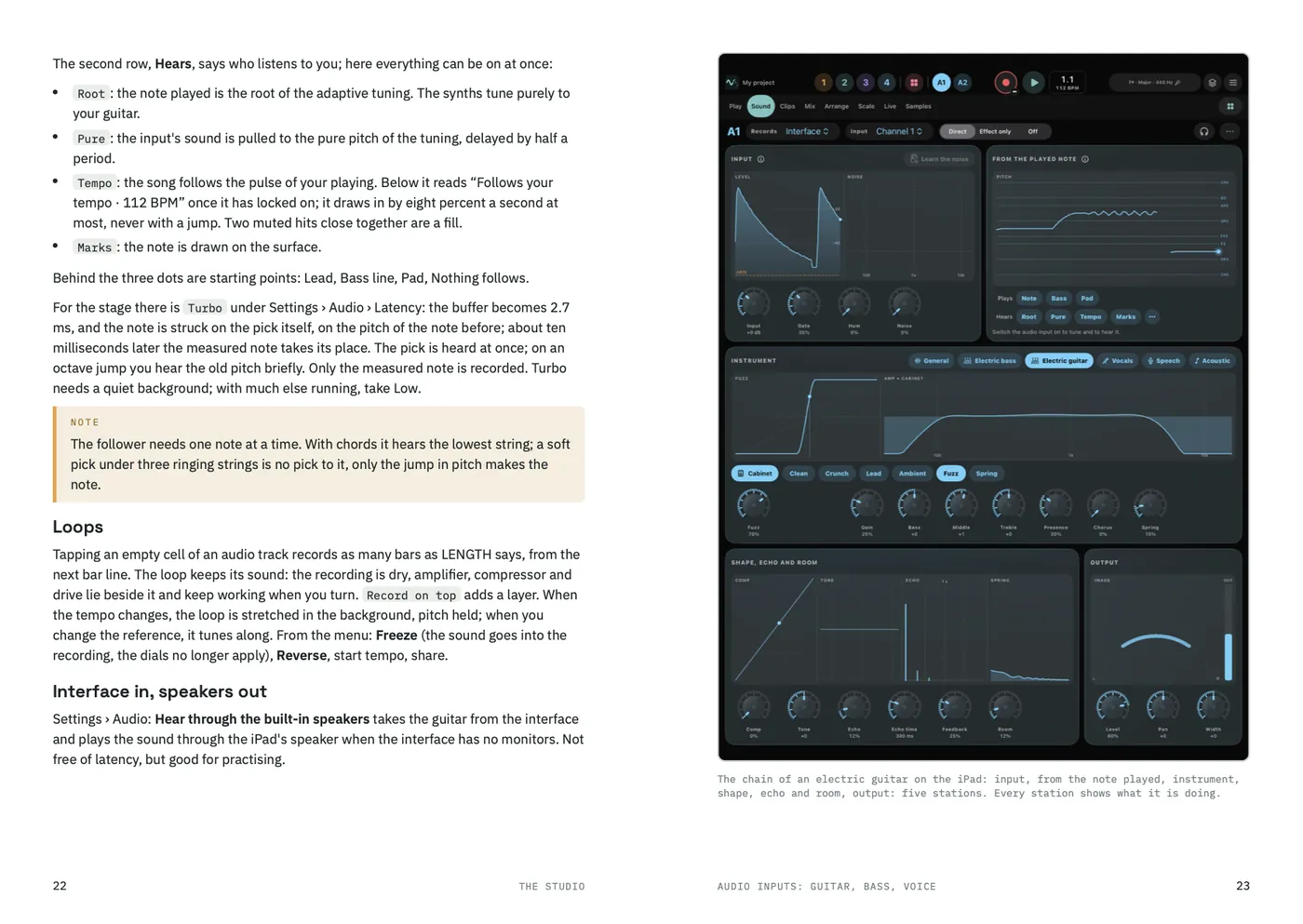
Seventeen chapters on 36 A5 pages: the eight pages of the app in order, the beat, the guitar at the input, the sampler, LIVE, MIDI and the plug-in, with pictures from the app and a table for when something does not work. Printed on coated paper and stitched, in English or German.
- Three parts: the instrument, the studio, around it
- Every button by its name, as it appears in the app
- Pictures from the iPad and the iPhone
- Three pages to fill in: sounds, setlist, notes
Printed
€10
A5, 36 pages, saddle-stitched. Shipping within Germany included, abroad on request.
Order the bookletTo order, send me an e-mail with the edition, language and address. I reply with the invoice; you pay by bank transfer or PayPal, and the booklet goes in the post. You can withdraw from the purchase within 14 days without giving any reason.
Questions or feedback?
Tone Field is in development; price and release date are not set yet. For questions and feedback, write to me.